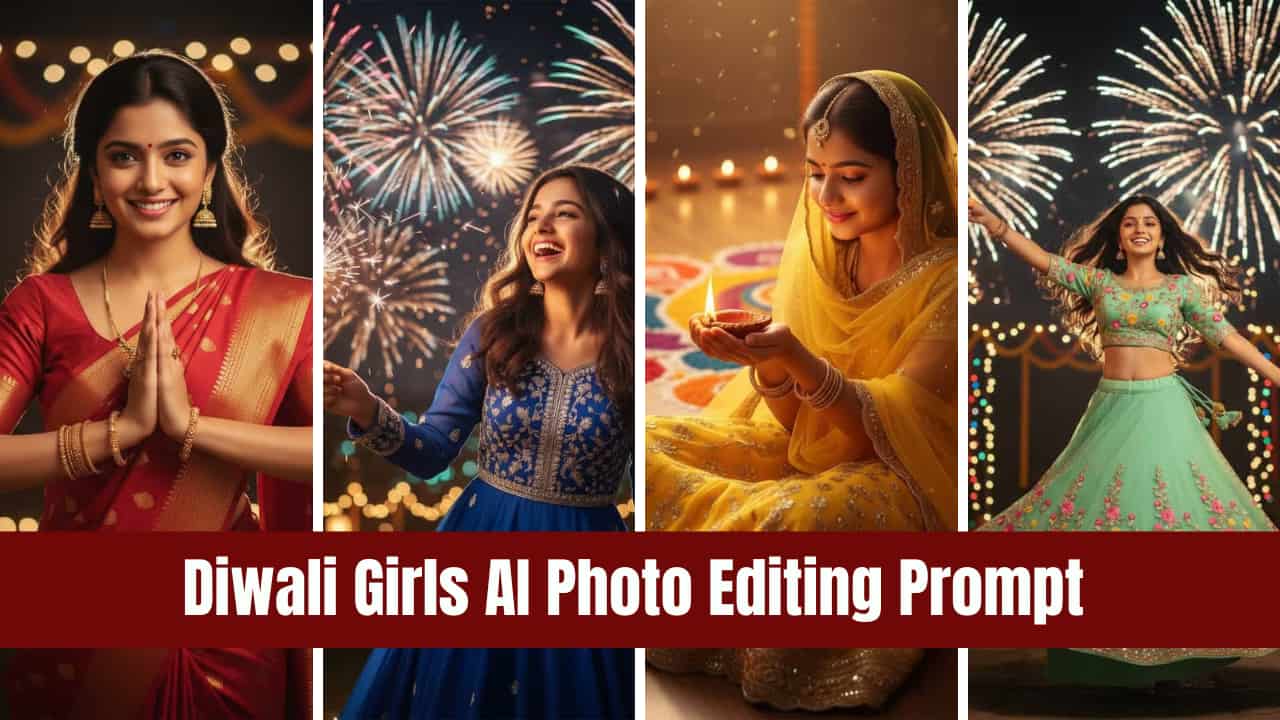

Diwali Girls AI Photo Editing Prompt: The Hindu most popular festival, Diwali, is coming in October, and it is not just a festival of lights, it’s a celebration of colors, beauty, and memories that last forever.
In today’s digital world, people enjoy capturing traditional photography instead of crackers. Capturing the most attractive photo requires a professional photographer, but if you are a newbie or not able to hire a professional photographer, then in this era, AI is booming. There are many tools like Google Gemini available which can generate Diwali photos in one click within seconds like a professional photographer.
Today, in this article, we are giving you Diwali Girls AI Photo Editing Prompts that will help you create your OWN Diwali picture, which you can use on social media platforms. AI photo editing prompts can bring your imagination to life. However, this guide will walk you through the best Diwali Girls AI photo editing prompts to help create eye-catching images that truly reflect the spirit of the festival.
Let’s get started.
Table of Contents
What are Google Gemini AI Tool
Well, today in this article, we are going to explore how you can create your own Diwali special and attractive photos using Google Gemini, which is free to access. Google Gemini is an AI tool powered by Google that helps with various tasks such as content generation, answering questions, image creation, and much more.
It works like a teacher that provides answers to whatever you ask. However, the output depends on the quality of your prompt. If your question is relevant and follows the terms and conditions of Gemini AI, it will generate accurate responses.
To ask anything or create an image using the Google Gemini AI tool, users need to write a prompt. A prompt is simply the information you provide to the AI so it can understand what you want. Based on that prompt, the AI tool delivers your answers or generates the desired image.
Try This Also: Gemini AI Couple Image of Chhath Puja with Prompts 2025
What are the Prompts?
In AI tools like Google Gemini, a prompt is the instruction or input you give to the AI to tell it what you want. Think of it as a question, command, or description that guides the AI to generate a response, create an image, or provide information.
For example:
- In text generation, a prompt could be: “Write a short story about Diwali celebrations in India.”
- In image generation, a prompt could be: “Create a vibrant Diwali photo of a girl wearing traditional attire with lights and fireworks in the background.”
The better and more specific your prompt, the more accurate and impressive the AI’s output will be. In short, prompts are the key to unlocking the AI’s full potential for creativity and productivity.
Diwali Girls AI Photo Editing Prompt
Here we are providing different style type Diwali Image creation prompts specially for girls. You can copy any prompts and generate vibrant Diwali photo. We have also mention the method, how you can create Diwali photos using Google Gemini.
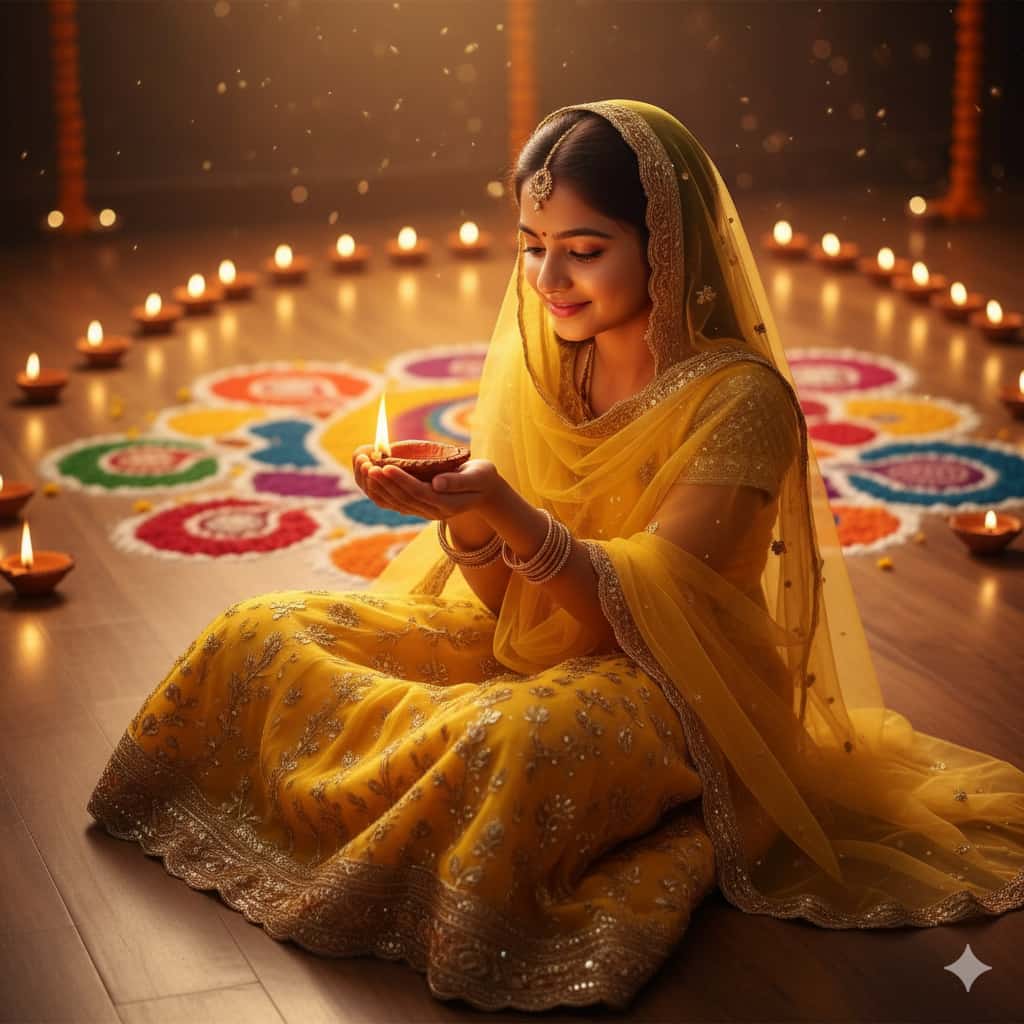
1. Sitting with Diyas Pose
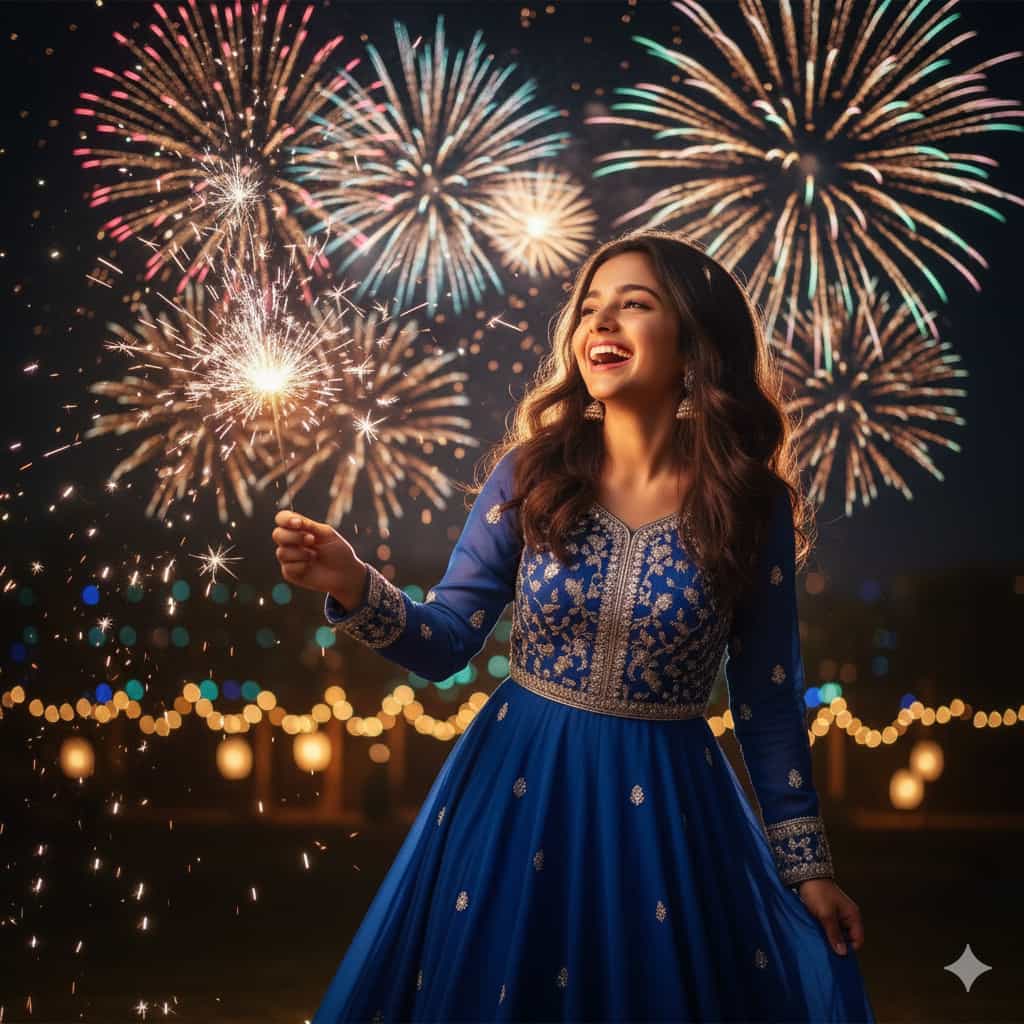
2. Laughing with Fireworks Pose
3. Traditional Portrait Pose
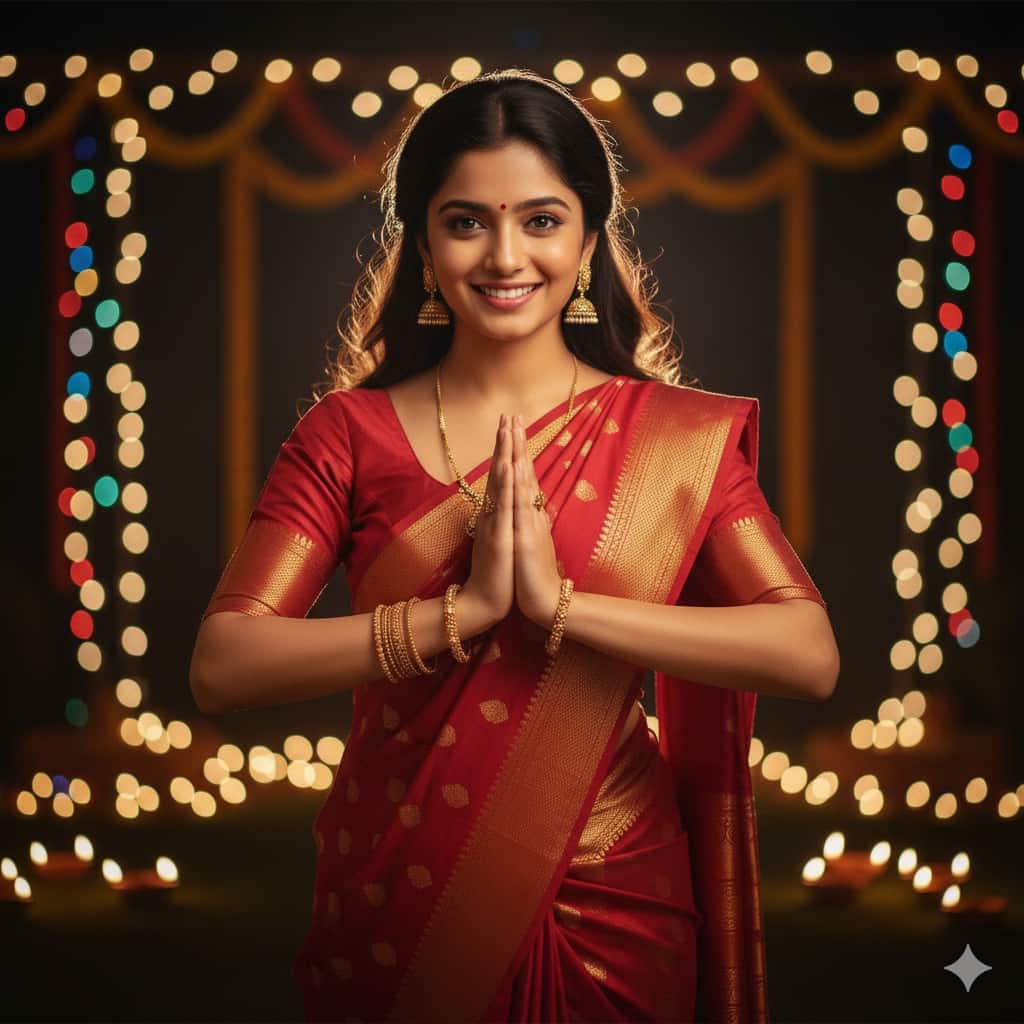
4. Playful Pose with Sparklers
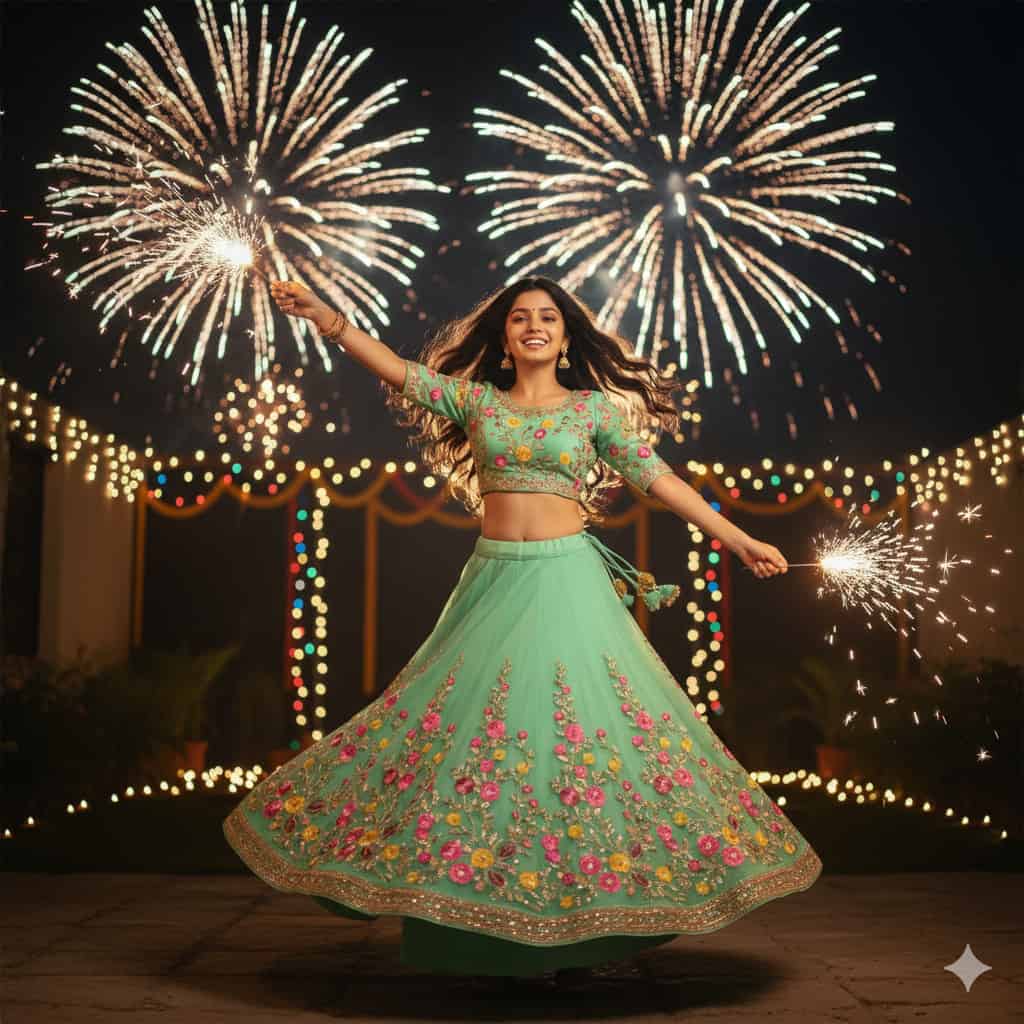
5. Close-Up Glamorous Pose
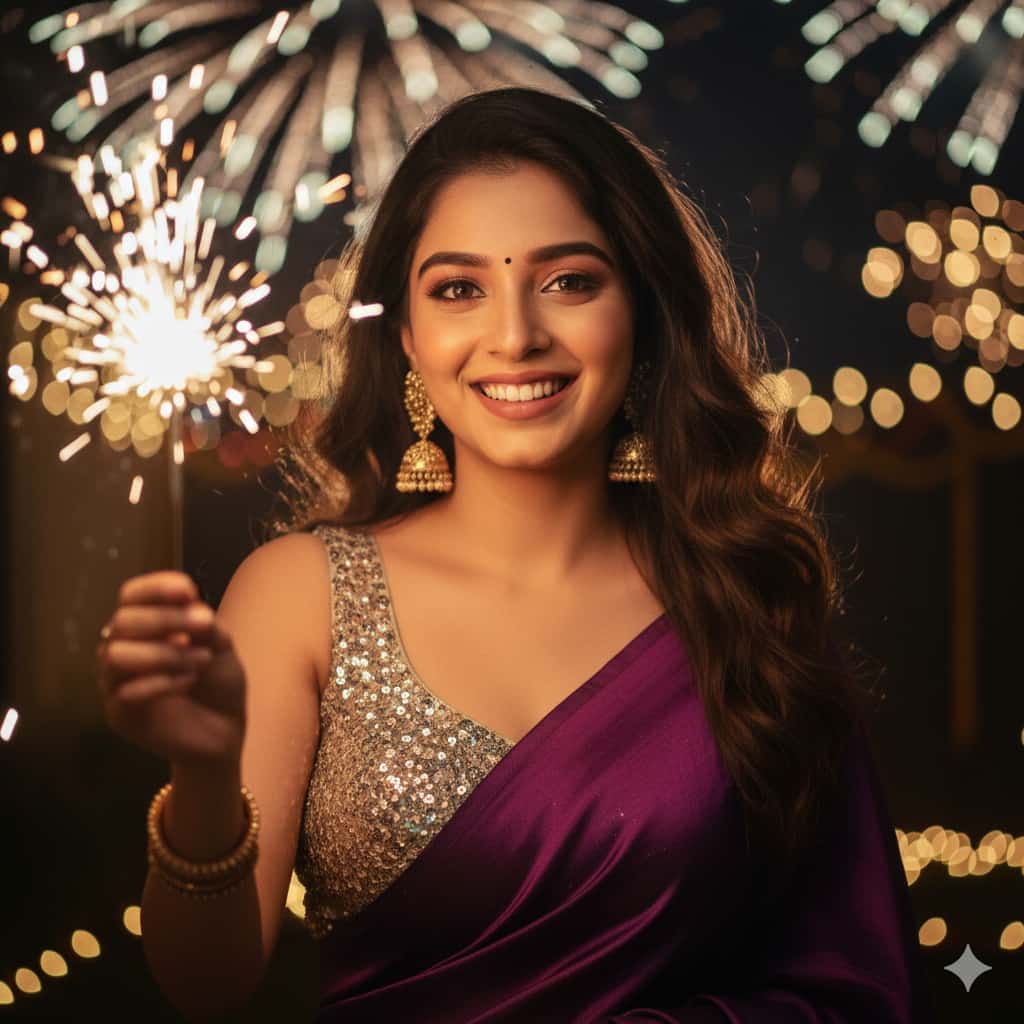
6. Festive Night Portrait Pose
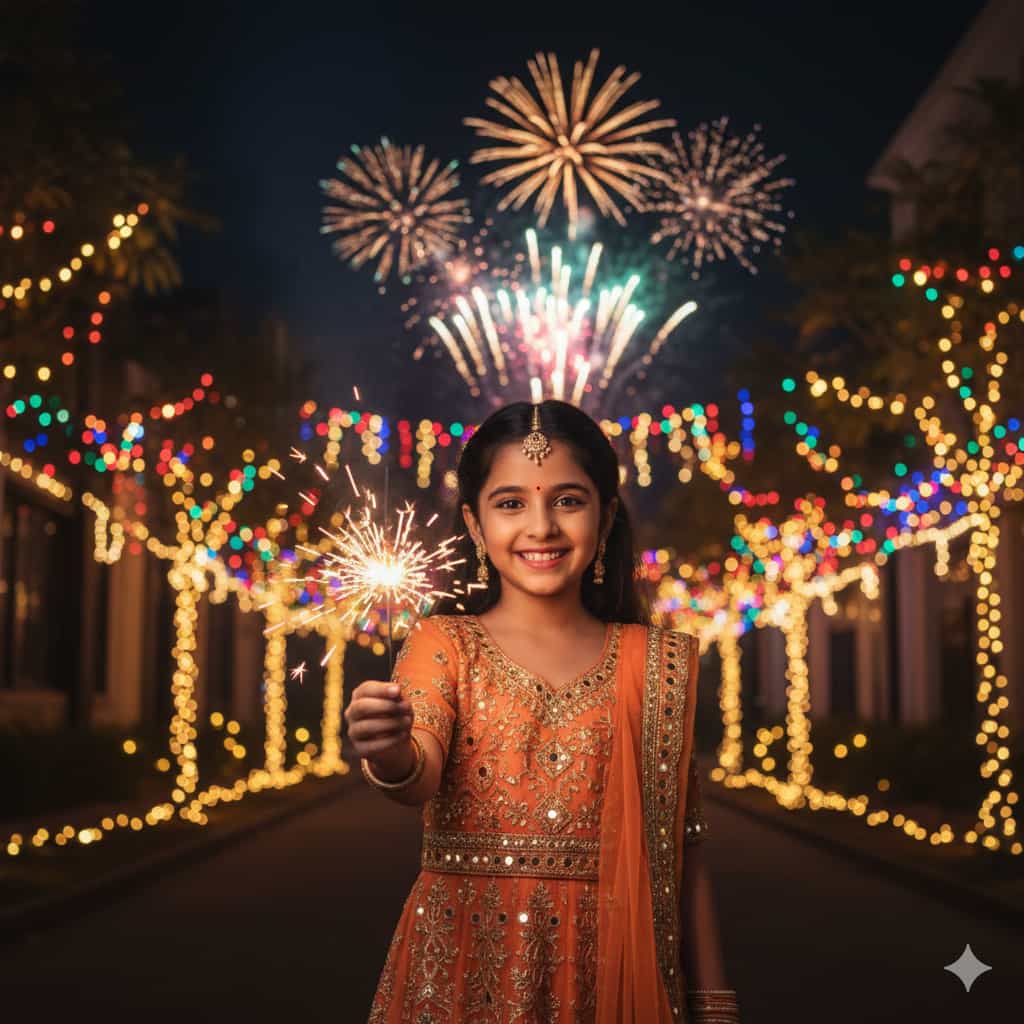
💡 Tip: Replace [uploaded face reference] with “using the uploaded your photo. For Example: Upload your photo for which you want to create your own Diwali Image, and under this box write “Use My Upload Photo” or “Use my Face from Upload Image or Photo“.
How to Create Diwali Image using Google Gemini?
Follow the following steps to generate Diwali Photo using Google Gemini with AI Image Generation Prompts.
Step 1: First, copy the prompt that you like.
Step 2: Now, go to the official Google Gemini website: https://gemini.google.com/
Step 3: Log in with your Google account.
Step 4: Click on the plus (+) icon and upload your photo for which you want to create a Diwali photo.
Step 5: Paste the copied prompt into the text box and press Enter.
Step 6: Wait a few seconds, and your Diwali image will be generated. Download it and use it on your social media platforms.
Conclusion
I hope you love this all image prompts. You can also share it with your friends and family so that they can also create an beautiful Diwali Image. If you want more prompts then go to our Homepage, and Discover article related to AI Image Prompts.