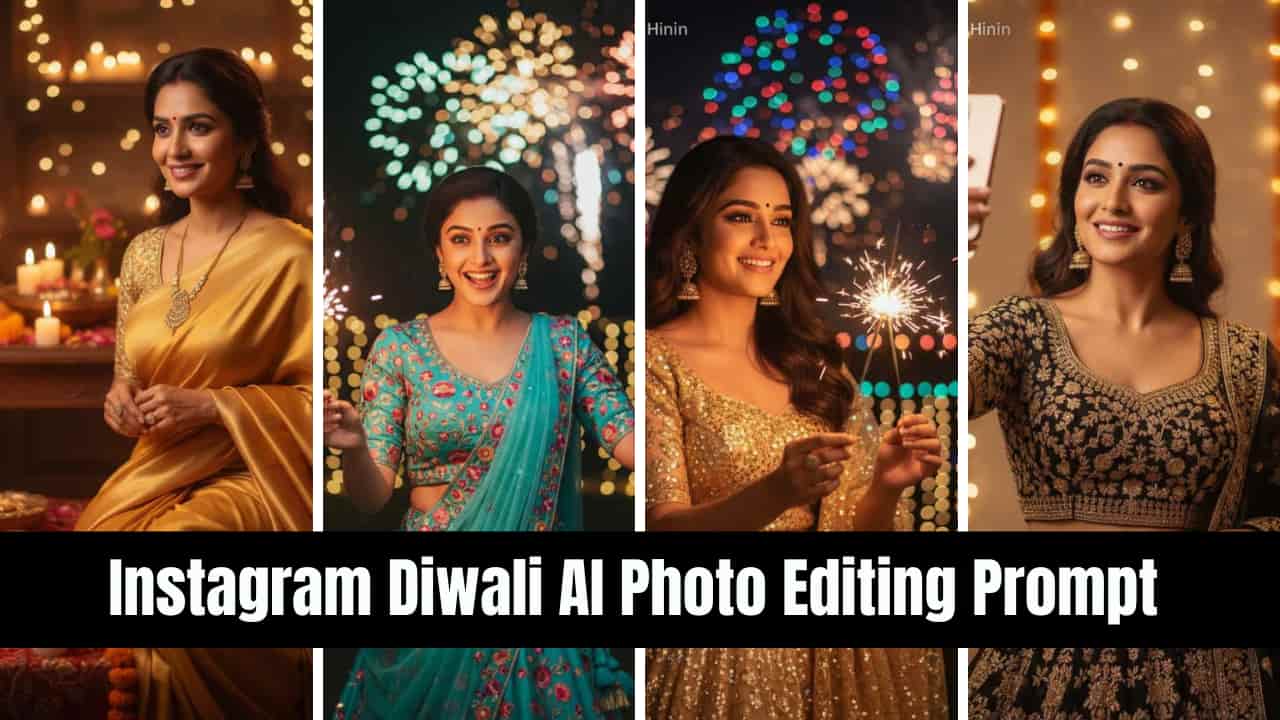

Instagram Diwali AI Photo Editing Prompt for Female: Diwali, the festival of lights is coming and it is one of the most celebrated occasions in India. Not only India, even this festival is celebrated across the world. From glowing diyas to colourful rangolis and sparkling fireworks, every moment of Diwali is picture-perfect.
In today’s digital Era world, clicking stunning photograph and sharing memories on Instagram has become a tradition. Clicking a attractive photograph is not a easy task, it required a high-resolution camera and as well as professional photographer but what if you could transform your photos into professional-looking Diwali edits with just a simple AI prompt within seconds.
That’s why, Today, in this article we’re going to share some AI prompts that will help you to create stunning visuals your own Diwali Photo for Instagram posts that perfectly capture the festive mood. Whether you want to highlight traditional outfits, and glowing lights, or create a warm festive background, AI can make your Diwali photos look Instagram ready in Seconds.
Table of Contents
Why Use AI Photo Editing for Diwali Instagram Posts?
The following reasons explain why people prefer using AI photo editing for Diwali Instagram posts.
Save Time – No need to spend hours for editing a photo; AI can generates a photo like professional photographer instantly.
Creative Control – No need to buy different decorative items for clicking stunning photo, AI can help you to customize your photos with lights, fireworks, rangolis, or festive backgrounds with detail AI prompt.
Instagram-Ready Sizes – AI can help you to create a perfect aspect ratio and quality for posts, stories, and reels within one click.
Unique Designs – Stand out with personalized Diwali edits that look professional.
Also Try This: Diwali Girls AI Photo Editing Prompt (Google Gemini) 2025
How to Use Google Gemini for Diwali Photo Editing
- Upload Your Photo – Choose a selfie, portrait, or family picture you want to edit.
- Use the Right Prompt – Write a detailed Diwali-themed AI prompt for best results.
- Customize Output – Adjust lighting, background, and filters to match your style.
- Export for Instagram – Save your final image in square (1080×1080) or story (1080×1920) format.
Tips for Creating the Perfect Instagram Diwali Post
- Use warm tones like gold, orange, and red to reflect the festive mood.
- Add traditional elements such as diyas, candles, rangoli, and lanterns.
- Ensure high-resolution output for Instagram to avoid pixelation.
- Mix AI edits with real festive photos for authenticity.
- Write engaging captions with hashtags like #HappyDiwali #Diwali2025 #AIPhotoEditing #GoogleGemini #DiwaliVibes.
Try Chhath Puja AI Image: Gemini AI Couple Image of Chhath Puja with Prompts 2025
How to Generate Instagram Diwali AI Photo Using Google Gemini in Mobile
Follow the following steps to to create Instagram Diwali AI photo using Google Gemini in mobile device.
- Step 1: First go to Play store or App Store depending upon your device.
- Step 2: Search for “Google Gemini” and click to download.
- Step 3: After install Google Gemini, open it and login with your google account.
- Step 4: Now, copy any Instagram Diwali AI Photo Editing Prompt from here.
- Step 5: Go to Google Gemini app, and click on plus (+) symbol, and upload your photo for which you want to generate Diwali AI Photo.
- Step 6: Now, paste your prompt on the text edit box, and click on Enter.
- Step 7: Wait for seconds, and your Diwali AI photo will be generated. Download and use it into your Instagram account.
Best Instagram Diwali AI Photo Editing Prompts for Female
Here are some ready-to-use Google Gemini prompts for your Diwali Instagram edits:
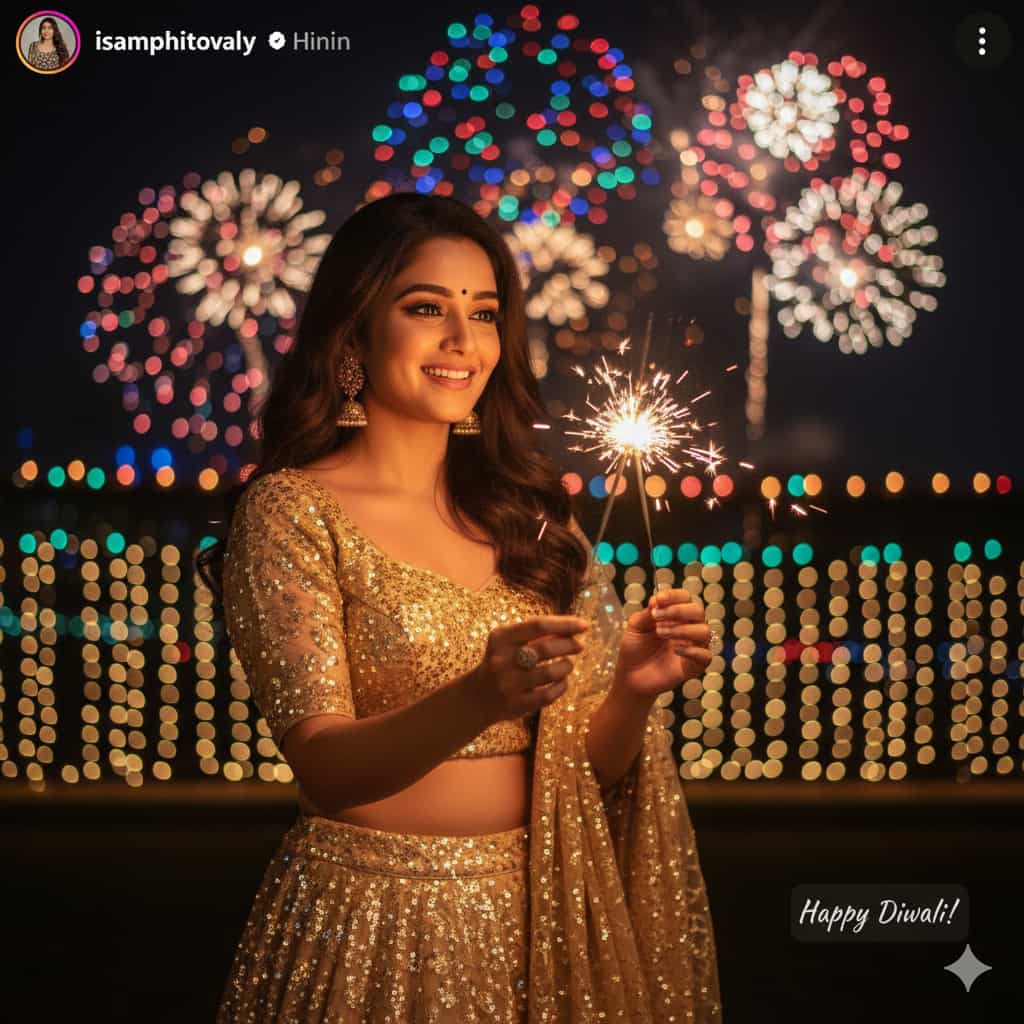
Note: Instead of [uploaded face reference] write Use my photo face or Use my uploaded Photo. 1. Sparkler Glow Portrait
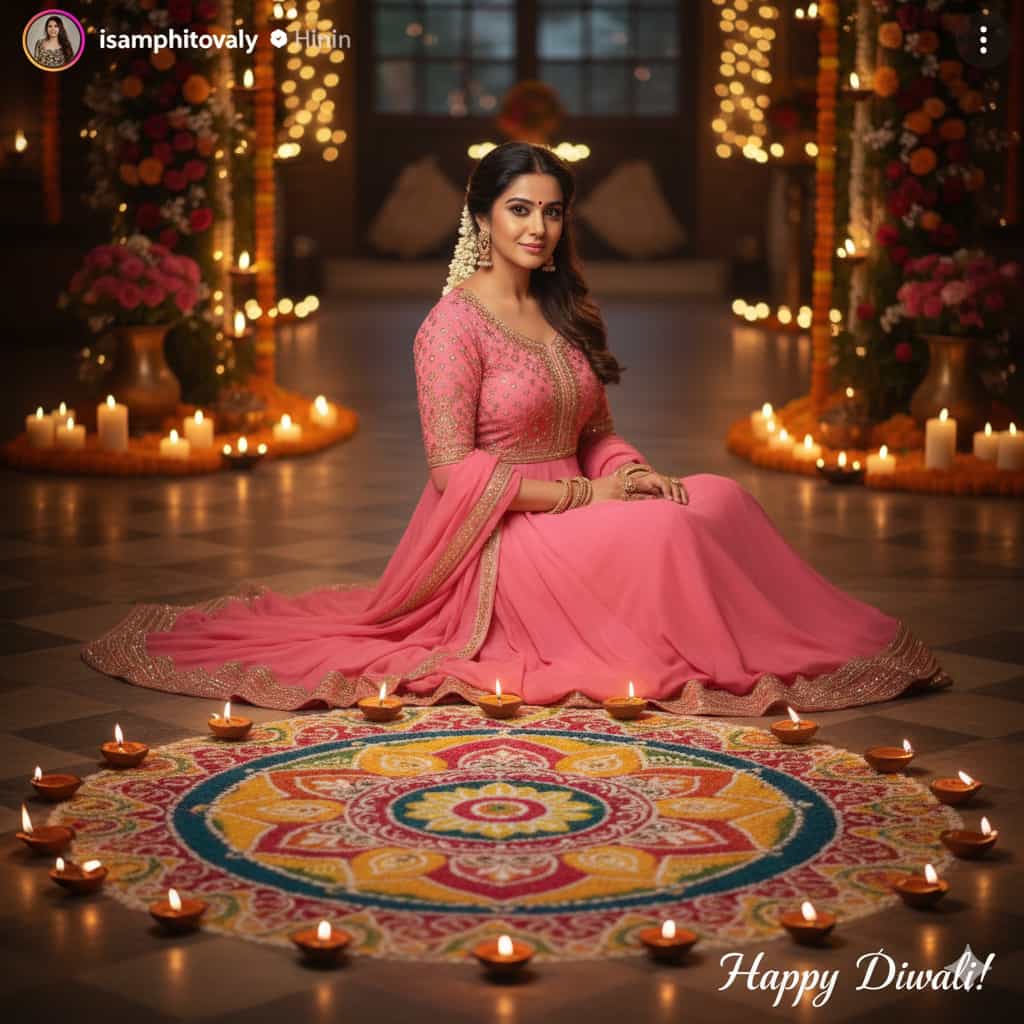
2. Rangoli Celebration Shot
3. Lantern Lights Portrait
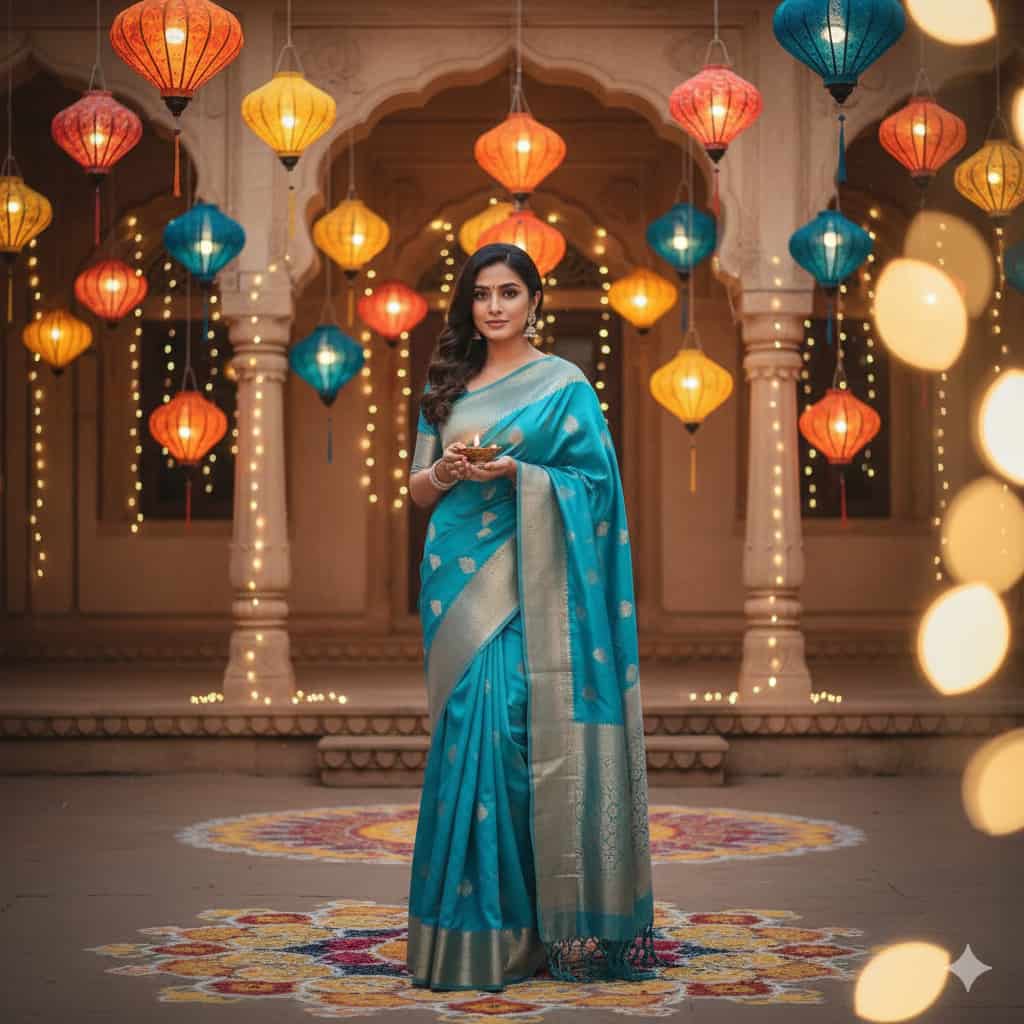
4. Gift Sharing Moment
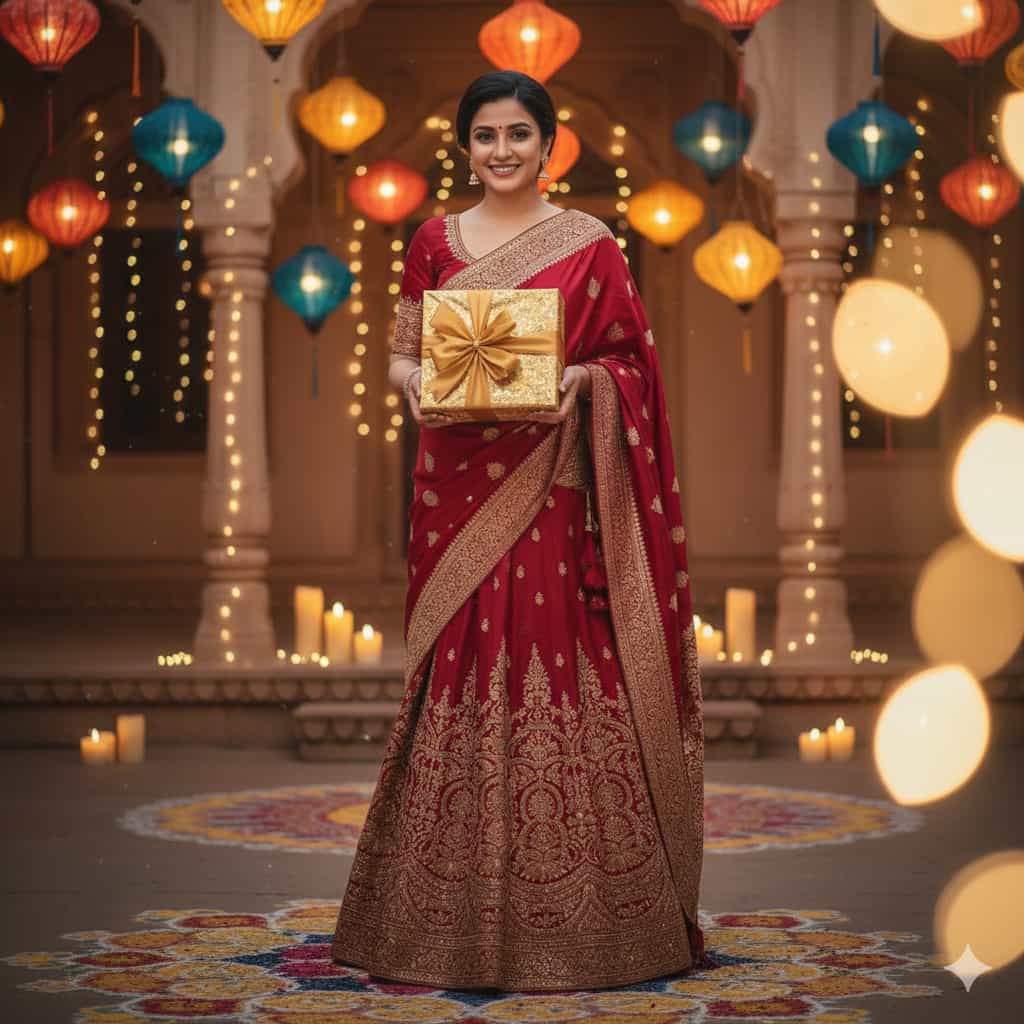
5. Diyas Background Glow

6. Firecracker Fun Shot
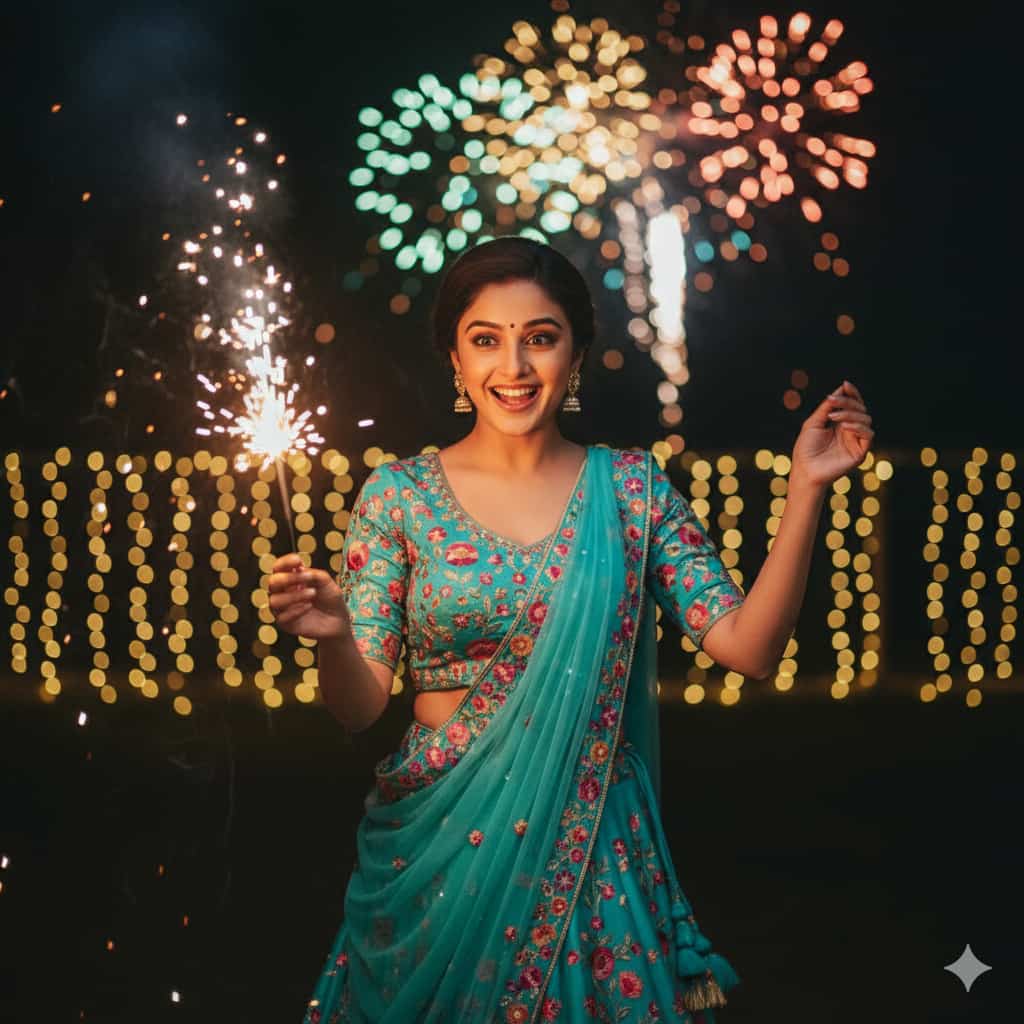
7. Balcony Lights Pose
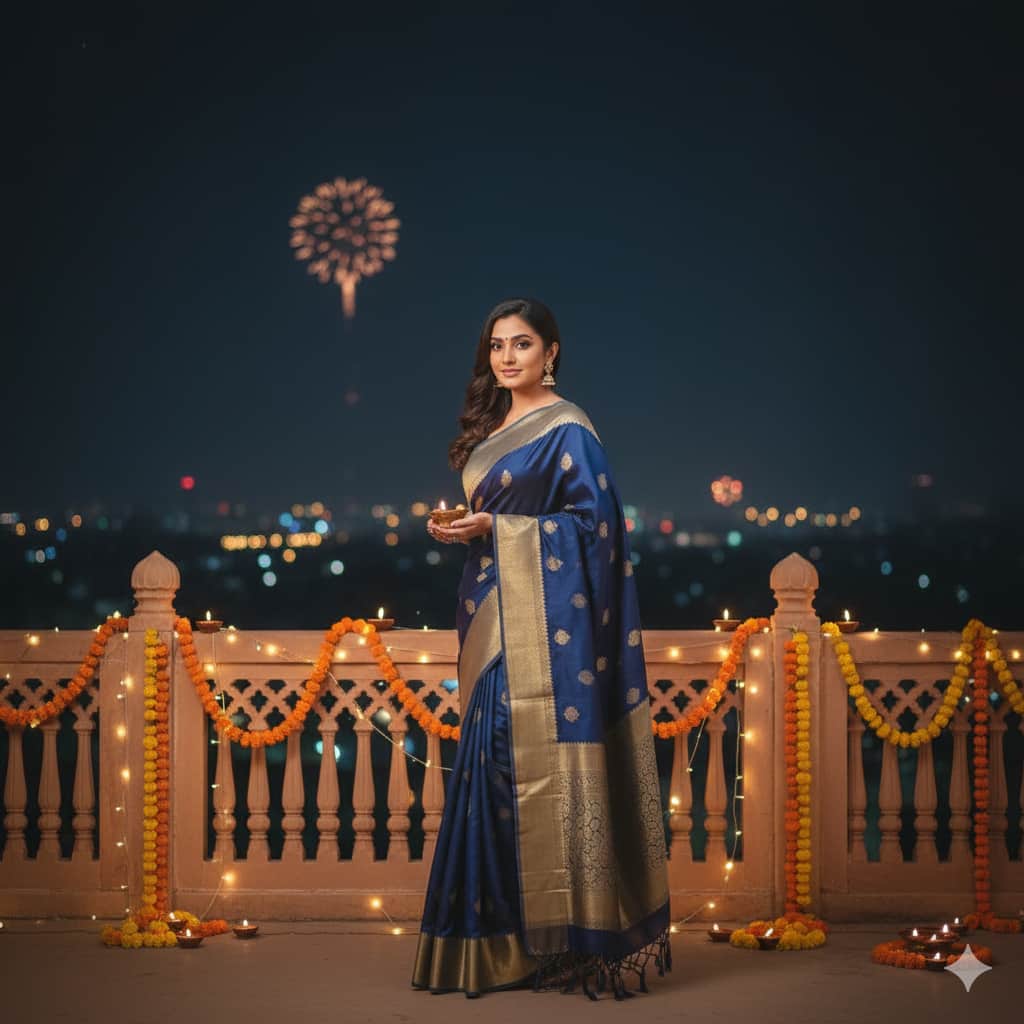
8. Candlelight Portrait
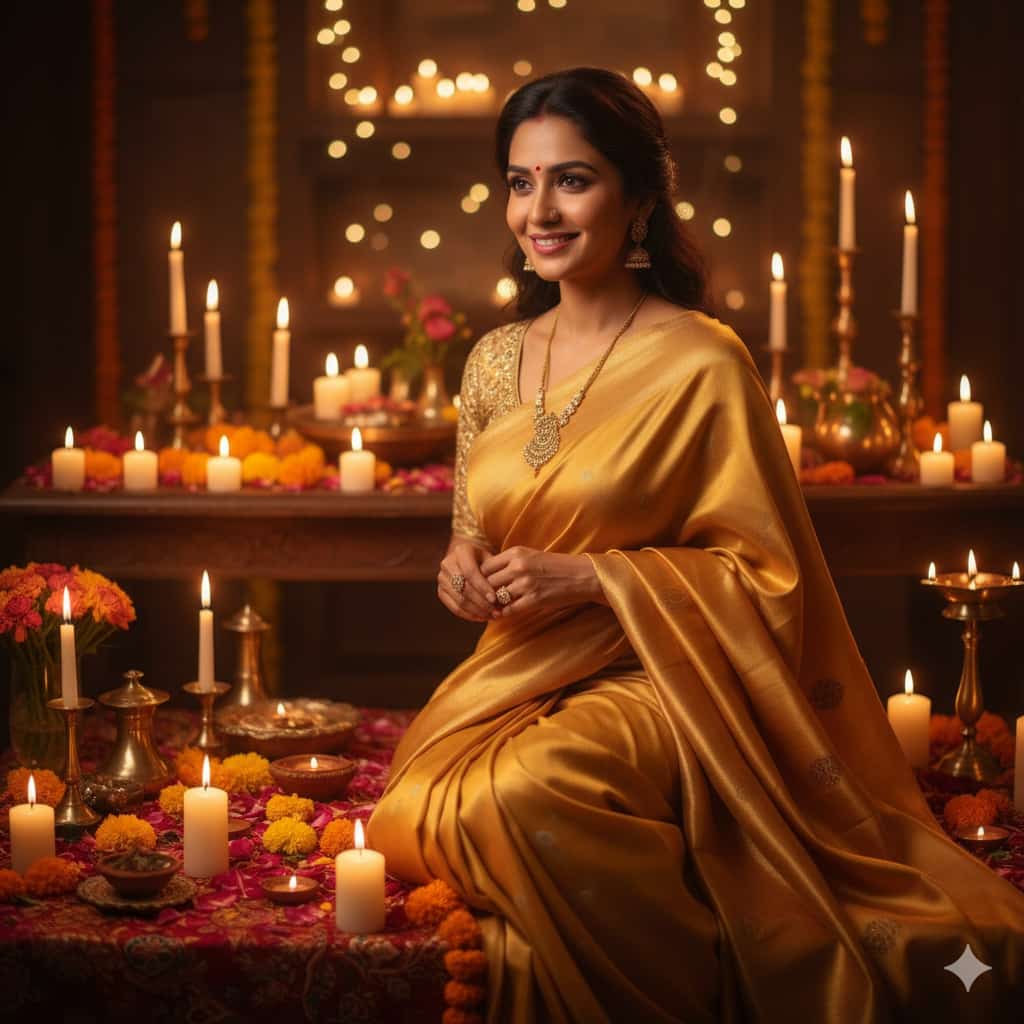
9. Modern Festive Selfie
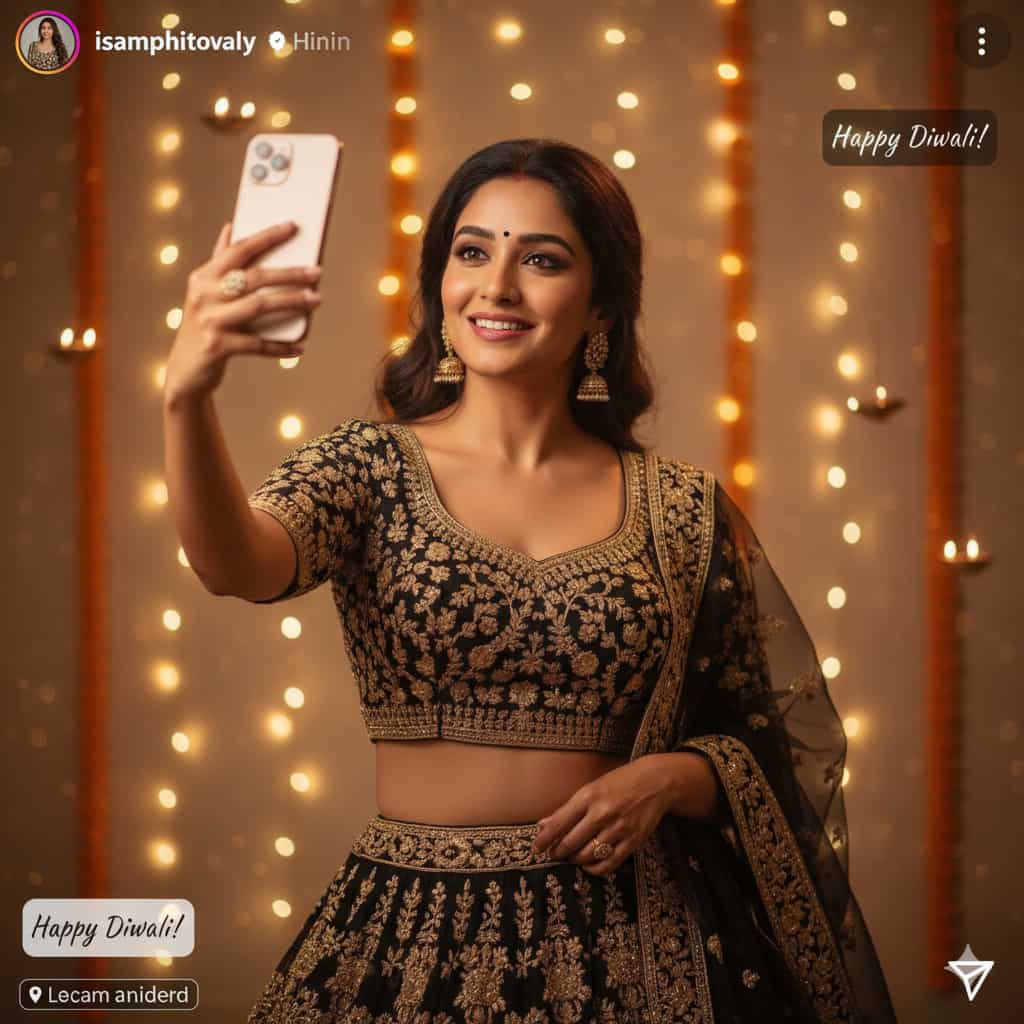
10. Festive Archway Portrait
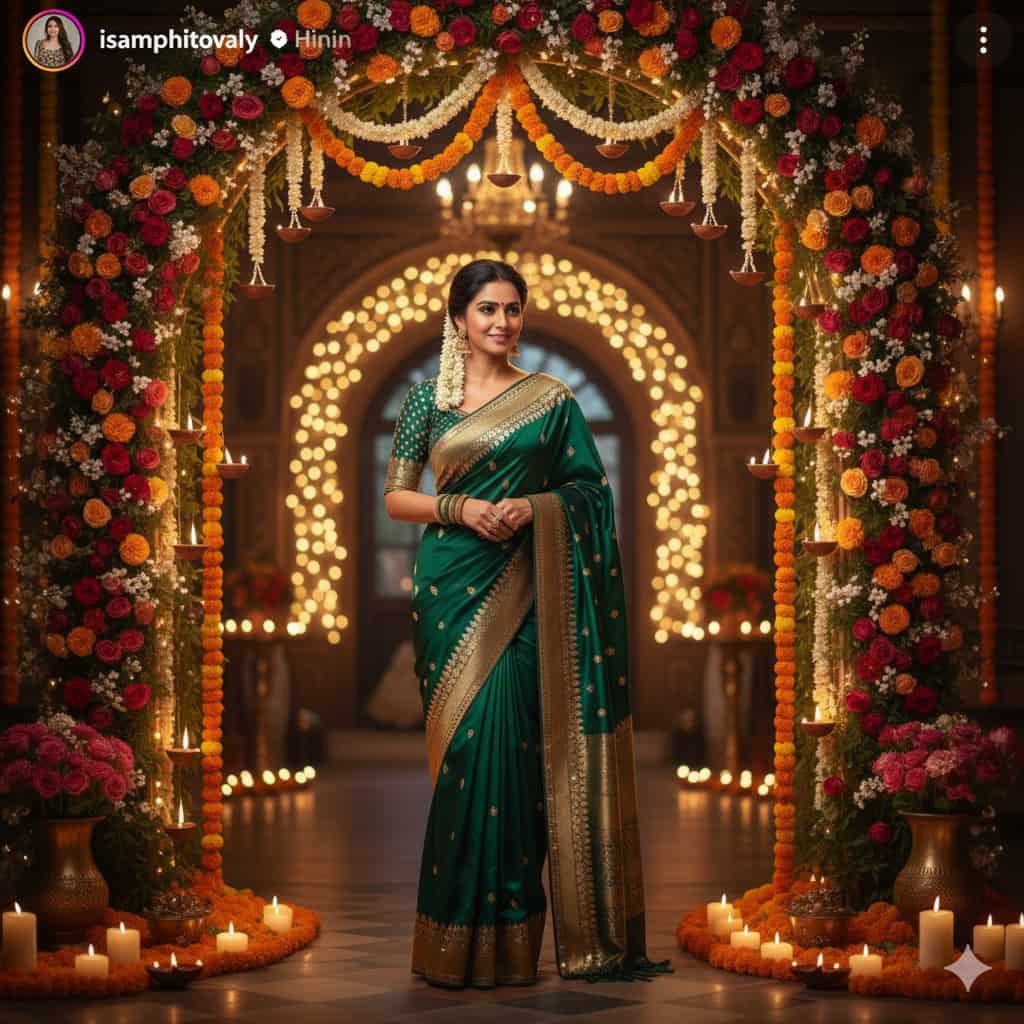
Final Thoughts
With the help of Google Gemini AI, editing Diwali photos has never been easier. A single prompt can transform your ordinary picture into a stunning festive masterpiece ready for Instagram. Whether you want a traditional touch or a modern aesthetic, AI gives you endless creative options this Diwali.
So, try these Instagram Diwali AI photo editing prompts for Female and make your festive posts shine brighter than the diyas!